
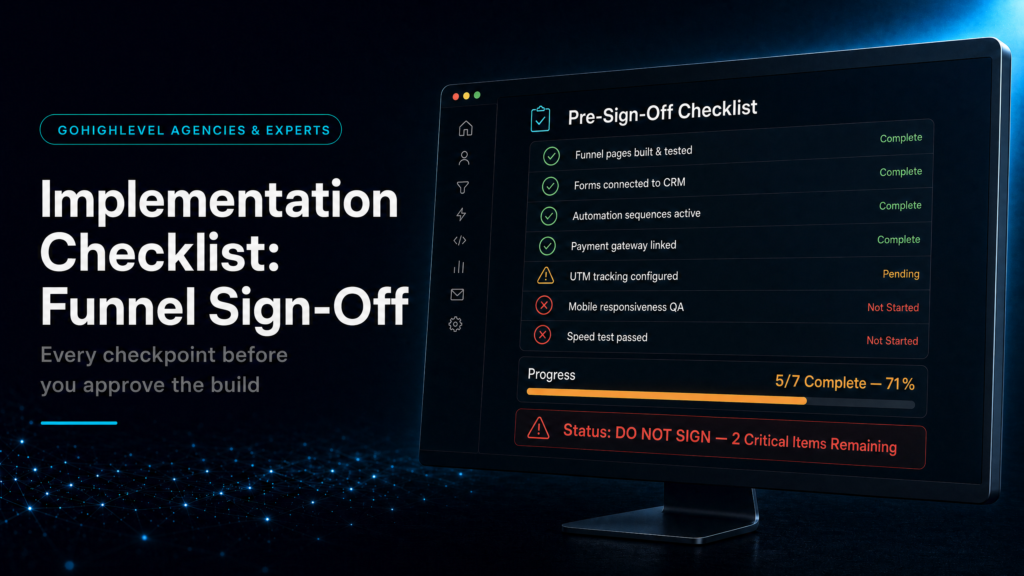
Before you sign a GoHighLevel implementation partner, the question is not just whether they can build pages, pipelines and workflows. The real question is whether the system will protect lead quality, speed-to-lead, booking logic, attribution and revenue visibility once traffic starts moving through it.
This checklist is a support guide for the broader GoHighLevel implementation pre-migration checklist. Use that page as the parent hub, then use this article to pressure-test the funnel architecture before budget, timelines and handover are agreed.
SCALE builds GoHighLevel CRM, funnel and automation systems for businesses that need better lead quality, faster follow-up and clearer attribution.
In this guide, we’ll cover:
A practical implementation checklist for checking whether a funnel, CRM and automation build has enough commercial logic before you sign.
The Funnel Must Qualify The Right Buyer
Why implementation starts with offer, source, urgency and booking intent before a single workflow is built.
Every Lead Needs A Clean Destination
Where weak builds fail: forms, calls, calendars and chats create leads, but the CRM does not know who owns them.
Automation Should Support Sales Motion
How strong builds connect first touch, reminders, booking changes and stop conditions without creating awkward messaging.
Attribution Must Survive The Handoff
What owners need to see: source, booked calls, show rate, no-shows and revenue movement by campaign.
“A GoHighLevel implementation checklist is only useful if it protects the commercial path from click to booked call to revenue.”
Quick Answer
A GoHighLevel implementation checklist should confirm that the funnel can capture the right data, route leads into the right pipeline, trigger follow-up without conflicts, preserve attribution and report the numbers that affect revenue. If the architecture cannot explain what happens after every lead action, the build is not ready to sign.
TL;DR
- Start with the offer, traffic source and booking path, not the dashboard design.
- Check ownership rules before workflows are built.
- Confirm every form, calendar, call and chat path creates clean CRM data.
- Ask how the system stops messages after replies, bookings and no-shows.
- Make reporting prove which source creates booked calls and revenue.
Decision Table: What To Check Before You Sign
Use this table to separate a tidy-looking GoHighLevel setup from an implementation that can actually support revenue.
| Area | Weak Signal | Strong Signal | What To Ask |
|---|---|---|---|
| Funnel Entry | Every page sends the same generic contact data. | Each source captures offer, campaign, service and urgency. | Can we see the exact fields created by each form? |
| Pipeline Routing | Leads enter one broad pipeline with unclear ownership. | Rules assign the right owner, stage and next action. | What happens when a lead books, cancels or no-shows? |
| Automation | One long workflow tries to handle every scenario. | Modular workflows have stop rules and suppression logic. | How do messages stop after a reply or booking? |
| Attribution | Reports show activity but not revenue source. | UTMs and source fields survive into opportunity records. | Which dashboard shows cost per booked call by source? |
 Related Read
Why Funnel Architecture Comes Before Workflow Buildout
Many GoHighLevel implementations fail because the builder starts inside automations before the sales path is defined. However, the funnel is where intent enters the system. Therefore, a serious implementation partner should map the offer, source, audience, page, form, calendar and sales action before building anything permanent.
If a lead comes from a Meta ad, requests one service, books a call and then misses the appointment, the CRM should still know what happened. It should also know who owns the next action, which message should stop, which recovery path should start and which campaign deserves credit.
Implementation Checklist
- Map every lead source. Include ads, landing pages, website forms, calls, chat widgets, referrals and manual imports.
- Define required fields. Service type, location, budget range, source, campaign and lifecycle stage should not be scattered across random tags.
- Confirm pipeline stages. Each stage should represent a commercial action, not a vague status label.
- Assign ownership rules. Decide whether leads route by territory, service, availability, rep, round-robin or manual triage.
- Design stop conditions. Follow-up should stop or change when a lead replies, books, cancels, pays or is disqualified.
- Test reporting before launch. The dashboard should show lead source, booked calls, show rate, close movement and revenue.
This is where a GoHighLevel expert guide becomes useful. The right expert is not just installing software. They are protecting the path from acquisition to pipeline to revenue.
Common Problems And How To Fix Them
| Problem | What It Usually Means | Fix | Metric To Watch |
|---|---|---|---|
| Leads arrive without source | UTM capture is missing or not passed into opportunities. | Add hidden fields and map source into the CRM record. | Known source rate |
| Sales says leads are weak | Follow-up is too slow or the first message lacks context. | Add immediate first touch and owner task creation. | Time to first attempt |
| Automations keep firing | There are no reply, booking or stage-change stop rules. | Split workflows and add suppression logic. | Complaint and opt-out rate |
| Pipeline looks busy | Stages do not map to real sales movement. | Redesign stages around contact, booking, show and close. | Stage ageing |
When To DIY Vs When To Hire A GoHighLevel Implementation Partner
A DIY setup can work when the business has one offer, low lead volume and a founder who can inspect every lead manually. In contrast, a paid acquisition system with multiple lead sources, sales reps, booked calls and follow-up sequences needs tighter architecture.
If poor implementation can waste ad spend or create missed appointments, the cheaper build is often not cheaper. A specialist implementation should reduce operating risk, clarify attribution and make the sales team faster.
Conclusion:
A GoHighLevel implementation checklist should not be a feature list. It should test whether the funnel, CRM, automation and reporting can work together when real leads arrive. If the system cannot explain source, owner, next action and revenue movement, the build needs more strategy before launch.
Want to learn more?
Watch the video below:
Ready To Protect Your Funnel Before You Sign?
If the funnel architecture, CRM routing and attribution logic are not clear yet, choose the route that fits how hands-on you want to be.
Done For You
SCALE can audit the current funnel, CRM and follow-up path, then show where leads, bookings and attribution are leaking.
Book A Growth Systems AuditDo It Yourself
Testing GoHighLevel first? Start through SCALE’s path and use the upcoming setup resource before hiring.
Try GoHighLevelDisclosure: We may earn a commission if you sign up through the GoHighLevel link. It does not increase your price.
FAQs
What should a GoHighLevel implementation checklist include?
It should include lead source mapping, funnel fields, pipeline stages, ownership rules, automation stop conditions, attribution reporting and post-launch QA.
Should I check funnel architecture before hiring?
Yes. Funnel architecture determines what data enters the CRM, how leads are routed and whether revenue can be traced back to the right source.
When should I hire a GoHighLevel expert?
Hire an expert when paid traffic, booked calls, multiple reps, service variation or attribution accuracy can affect revenue.
How does this support the implementation hub?
This guide narrows the parent implementation topic into the specific funnel checks that should happen before a build is signed.
