
Service Pages Need A Clear Booking Path
A local service page should explain the offer and make the next step obvious.
Quote Pages Need Fast Routing
Quote requests should move into the right pipeline and owner immediately.
Lead Magnets Need Follow-Up
Helpful resources should trigger nurture, tagging and next-step prompts.
Location Pages Need Local Proof
Local pages should connect search intent, proof and call-to-action in one flow.
In this guide, we’ll cover:
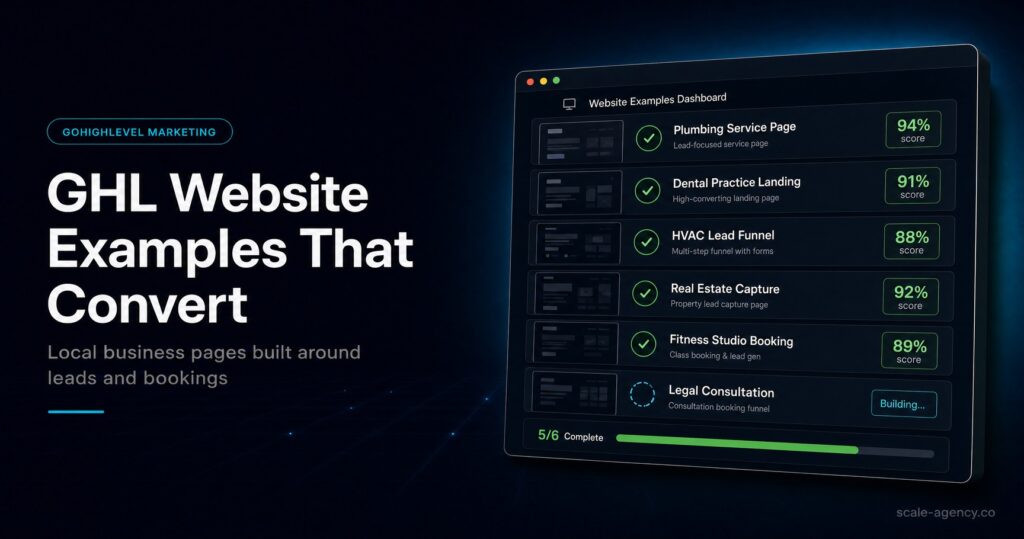
Seven practical GoHighLevel website examples that show how local businesses can turn service pages, forms and calendars into lead systems.
SCALE builds GoHighLevel CRM, funnel and automation systems for businesses that need better lead quality, faster follow-up and clearer attribution.
“The best GoHighLevel website example is not the prettiest page. It is the page that creates a tracked next action.”
Quick Answer
GoHighLevel website examples work best when each page has a clear job: capture a lead, book a call, request a quote, start a nurture path or route a prospect into the right pipeline.
TL;DR
- Local service pages should make booking or quote requests simple.
- Lead magnet pages should trigger nurture and source tracking.
- Location pages need local proof, not just duplicated copy.
- Every example should connect the page to CRM ownership and follow-up.
Website Example Decision Table
| Example | Best For | CRM Action | Watch Out For |
|---|---|---|---|
| Service page | Specific high-intent services | Create contact and route enquiry | Generic service copy |
| Quote page | Home services and local teams | Assign owner and trigger follow-up | Slow response |
| Lead magnet page | Education-led offers | Tag and nurture contact | No next step |
| Location page | Local SEO and service areas | Capture local source context | Thin duplicate content |
Example 1: Service Page
A service page should make the buyer feel understood and show what happens next. In GoHighLevel, the page can connect directly to a form, calendar or pipeline stage.
The strongest service pages avoid vague claims and focus on the problem, the process and the outcome.
Example 2: Quote Request Page
Quote request pages are useful for home services, clinics, professional services and local teams. The key is speed after submission.
GoHighLevel should create the contact, assign an owner, start follow-up and make the source visible inside the CRM.
Example 3: Lead Magnet Page
Lead magnets can work for local businesses when the resource helps the buyer make a decision. The page should not be treated as a dead-end download.
After submission, the contact should enter a nurture workflow that points toward a booking, audit or quote request when appropriate.
Example 4: Location Page
Location pages should show local relevance, service fit and trust signals. They should not be copied across towns with only the place name changed.
Use local proof, clear service scope and a simple next step so the page can convert as well as rank.
Conclusion
GoHighLevel website examples are strongest when the page and CRM action are designed together. A good example has one clear job and a follow-up path that protects the lead after submission.
Use pages for revenue actions, then connect each action to source tracking, owner assignment and measurable pipeline movement.
FAQs
What are good GoHighLevel website examples?
Good examples include service pages, quote request pages, booking pages, lead magnet pages, location pages and event or webinar pages.
Can GoHighLevel websites rank locally?
They can rank when the content is useful, technically accessible and locally relevant, but SEO still depends on broader content quality and links.
Should every local page use a form?
Most local pages should offer a clear enquiry, quote or booking step. The form should be short enough to complete but detailed enough to route the lead.
What should happen after a form submission?
The CRM should capture source data, assign ownership, start follow-up and move the contact into the right pipeline stage.
