In this guide, we’ll cover:
Which Link In The Chain Failed Without Warning?
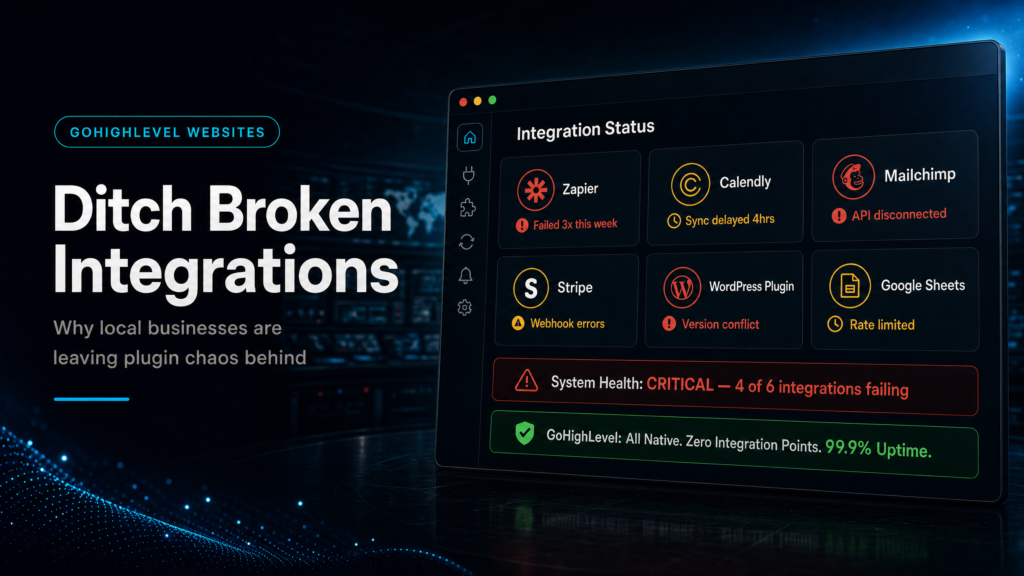
Broken integrations rarely announce themselves. They show up later as missed calls, duplicate contacts, missing source data and leads nobody owns.
If broken integrations are really caused by fragmented contact records, start with the GoHighLevel CRM operating-system guide before adding another connector.
Can A Lead Become A CRM Record Without Duct Tape?
The website is only useful when form, call and booking data reaches the CRM cleanly enough for sales to act immediately.
Does The System Know Who Should Respond First?
Local businesses lose revenue when enquiries sit in inboxes, route to the wrong location or trigger generic follow-up for a high-intent lead.
Can Revenue Be Traced Back To The Source?
The real test is whether the owner can see which channel created booked appointments and closed work without rebuilding the story manually.
“Broken integrations are not a tech nuisance. They are a revenue leak between the page, the CRM and the first sales action.”
Quick Answer
Local businesses choose a GoHighLevel website vs broken integrations when disconnected forms, calendars, CRM tools and automations are causing missed leads or unclear attribution. GoHighLevel can reduce handoffs by keeping lead capture, routing, conversations, pipeline stages and reporting in one connected system.
TL;DR
- If a lead touches three or more tools before reaching the CRM, the business is exposed to silent integration failure.
- Broken integrations usually appear as delayed notifications, duplicate contacts, missing UTMs, wrong owner assignment or ghost leads.
- GoHighLevel helps when the website, forms, calendars, conversations and pipeline need to share one contact record.
- The first fix is not a full redesign. Audit the highest-intent form or booking path and prove the lead journey end to end.
- Keep the website/comparison canonical as the main link, and use expert implementation help when CRM ownership or automation risk is high.
Integration Failure Decision Table
| Scenario | What It Usually Means | Best Next Step | Revenue Signal To Watch |
|---|---|---|---|
| Form Submits But No One Responds | The form is not reliably creating a contact, task, notification or owner assignment. | Connect form submission directly to CRM intake and workflow rules. | Speed-to-lead and unassigned leads. |
| Bookings Do Not Update The Pipeline | The calendar is separate from opportunity stages and sales ownership. | Tie booking events to stage movement, owner rules and reminder workflows. | Booked rate, show rate and stage ageing. |
| Source Data Is Missing | UTMs, landing page URLs or call sources are not stored where reporting needs them. | Create first-touch and last-touch fields and preserve source data on the contact. | Opportunities with known source. |
| Duplicate Contacts Keep Appearing | Different tools create records differently and no dedupe logic exists. | Standardise phone/email matching and entry rules before adding more automations. | Duplicate contact rate and lost follow-up tasks. |
When integrations keep breaking, the fix is usually a cleaner website-to-CRM handoff; use the local-business GoHighLevel website design guide to pressure-test the page, form and follow-up flow together.
Why Broken Integrations Hurt Local Businesses
Most local businesses do not lose leads because the website is ugly. They lose leads because the conversion path is fragile. A visitor fills in a form, the notification goes to the wrong inbox, the Zap drops source data and the CRM record appears too late for the team to respond with confidence.
That is why a GoHighLevel website can be commercially useful. When the page, form, calendar, conversation and pipeline are connected, the business has fewer places for lead data to disappear.
The Failure Is Usually Silent
Integration failures are dangerous because they often look normal from the outside. The thank-you page loads, the visitor leaves and the owner assumes the lead is in the system. The problem only becomes visible when the team cannot find the enquiry or cannot explain which source produced it.
What To Audit First
Start with one high-intent path: quote request, booking, contact form or call tracking. Run test submissions from different devices and traffic sources, then follow the record through the CRM.
Forms
- Check required fields, hidden UTM fields, phone validation and consent language.
- Confirm one contact is created or updated, not duplicated.
- Make sure the form assigns the correct owner, tag and pipeline stage.
Calendars
- Test mobile and desktop booking flows.
- Confirm reminders, reschedule links and cancellation rules.
- Check that the booking updates the opportunity stage and sales tasks.
Attribution
- Compare ad platform leads with CRM contacts and pipeline entries.
- Confirm first-touch source is not overwritten by later submissions.
- Check whether calls and forms share the same reporting view.
Where GoHighLevel Reduces Failure
GoHighLevel reduces failure when the same platform owns the capture and follow-up path. A form can create the contact, an opportunity can enter the right pipeline, a calendar can update the stage and a workflow can notify the owner without needing multiple tools to stay in sync.
The platform does not automatically fix a weak sales process. It gives the business a cleaner place to define the process, test it and keep the data visible.
What Strong Looks Like
- Every lead source creates consistent contact and opportunity data.
- Owner assignment happens immediately by service, location, rep or queue.
- Follow-up starts fast and stops cleanly after replies, bookings or stage changes.
- Reporting ties source, booked calls, show rate and closed revenue together.
When A Hybrid Setup Is Safer
If the current WordPress site already ranks and the integration issue is limited to forms or bookings, a hybrid setup may be safer than a full move. Keep the content site stable and move the conversion paths into GoHighLevel first.
This is especially useful for local businesses with strong service pages. The page can stay where it is while the form, calendar and follow-up logic become more reliable behind it.
Implementation Sequence
1. Map The Revenue Path
Choose one offer and one conversion action. Document exactly what happens from page visit to contact, owner assignment, booking, follow-up and reporting.
2. Standardise CRM Intake
Clean up fields, tags, source data, duplicate handling and pipeline stages. This prevents the new website from feeding old CRM chaos.
3. Connect Forms And Calendars
Build the form and booking logic so the contact record, opportunity stage and owner assignment are created consistently.
4. QA With Real Submissions
Run test leads from ad URLs, organic pages, mobile devices, calls and booking paths. Fix failures before paid traffic or high-intent leads depend on the system.
What This Means For Revenue
Broken integrations lower revenue by slowing response, hiding source data and making sales ownership unclear. Those are not abstract technical issues. They affect booked calls, show rates, cost per booked lead and the confidence to scale ad spend.
A connected GoHighLevel website improves the odds that every enquiry becomes a clean CRM record with a clear next action. That is why local businesses are ditching fragile integration chains when conversion speed matters.
Conclusion
The GoHighLevel website vs broken integrations decision is really a control decision. If the current stack cannot capture, route, follow up and report reliably, the business is paying for traffic that may never become visible pipeline.
- Audit the highest-intent lead path before redesigning the whole site.
- Fix CRM intake, owner assignment and source tracking before adding more tools.
- Use GoHighLevel where forms, calendars, conversations and reporting need one shared record.
- Keep existing SEO pages stable when a hybrid rollout protects ranking and revenue.
SCALE builds GoHighLevel CRM, funnel and automation systems for businesses that need better lead quality, faster follow-up and clearer attribution.
FAQs
Why do local businesses choose a GoHighLevel website vs broken integrations?
They choose it when disconnected forms, calendars, CRM tools and automations are causing missed leads, slow response, duplicate records or unclear attribution.
Does GoHighLevel replace every integration?
No. It can reduce many basic revenue-operation handoffs, but complex ecommerce, advanced SEO or specialist tools may still need a hybrid architecture.
What is the first thing to audit?
Audit the highest-intent conversion path first: form submission or booking. Confirm contact creation, owner assignment, source data, workflow triggers and pipeline movement.
Can I keep WordPress and use GoHighLevel?
Yes. Many local businesses keep WordPress for content and use GoHighLevel for forms, calendars, landing pages, automations and CRM reporting.
How do I know if integrations are leaking revenue?
Look for delayed follow-up, missing UTMs, duplicate contacts, unassigned leads, calendar mismatches and reports that cannot connect source to booked or closed outcomes.
