
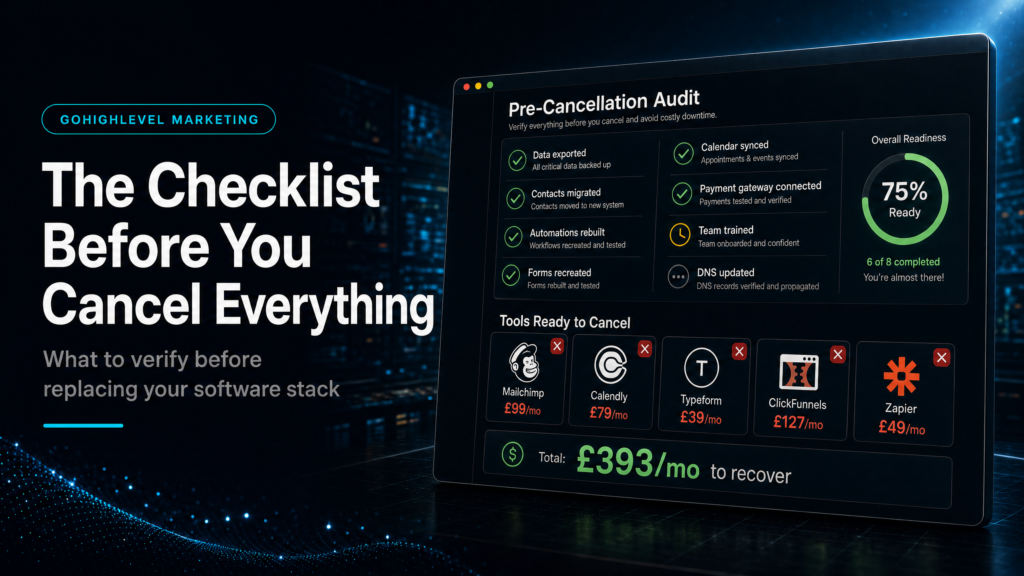
In this guide, we’ll cover:
How to decide which GoHighLevel local business tools should replace other software and which tools should stay until the full booking path is proven.
List The Current Stack
Write down the booking, CRM, messaging, review and reporting tools already in use.
Protect Live Operations
Do not cancel software until the replacement workflow is tested end to end.
Replace One Path At A Time
Start with the lead-to-booking path before moving reviews, campaigns or reporting.
Prove The New System Works
Check response speed, booking rate, show rate and source visibility before cutting tools.
Quick Answer
Before cancelling other software, use a GoHighLevel local business tools checklist. Confirm that forms, calls, calendars, CRM stages, messaging, reminders and reporting all work inside one tested path.
GoHighLevel can replace several tools, but only after the replacement workflow is live and measured. Otherwise, the business may save subscription costs while creating booking, follow-up or reporting gaps.
TL;DR
- Do not cancel tools just because GoHighLevel has a similar feature.
- Test the lead-to-booking path first because it protects revenue.
- Keep existing tools until forms, calendars, CRM routing and follow-up work reliably.
- Replace software in phases so the team does not lose visibility.
- This support page links back to the canonical GoHighLevel for local business booking automation guide.
Before You Cancel Other Software
| Tool Area | Can GoHighLevel Cover It? | Check Before Cancelling |
|---|---|---|
| Booking forms | Yes, if the forms route to the CRM correctly. | Submit test leads and confirm source, owner, stage and notification. |
| Calendar scheduling | Yes, when availability, confirmations and reminders are configured. | Book test appointments from mobile and desktop. |
| Email and SMS follow-up | Yes, if compliance, stop rules and reply handling are clear. | Check messages, timing, sender identity and unsubscribe handling. |
| Pipeline management | Yes, if stages match the real sales process. | Move test leads through every stage and report the outcome. |
| Reporting | Partly, depending on attribution and revenue tracking setup. | Confirm source, booking, show rate and closed revenue visibility. |
Start With The Revenue-Critical Tools
First, protect the tools that affect booked calls and customer response. If a current calendar, form or phone workflow is producing leads, do not remove it until the GoHighLevel version has been tested with real scenarios.
After that, compare the new path with the old one. The replacement should be at least as reliable, easier for the team and clearer for reporting.
Check Forms, Calendars And CRM Routing Together
A form is only useful if it creates the right CRM record. Likewise, a booking page is only useful if the lead source and follow-up remain connected after the appointment is booked.
Therefore, the test should cover the complete path. Submit a form, book an appointment, receive the confirmation, check the CRM stage and verify that the right person owns the next action.
Replace Follow-Up Carefully
GoHighLevel can handle email, SMS, reminders and missed-call response. However, those automations need clear rules so they support the team instead of annoying prospects.
Use short sequences, stop messages after a reply and keep internal alerts simple. In addition, test mobile replies because local customers often respond from their phone.
Keep Reporting Separate Until It Is Proven
Many businesses cancel reporting tools too early. That can make the new stack look cleaner while hiding source and revenue visibility.
Instead, keep the old reporting view until the new dashboard proves which source created the lead, whether the lead booked, whether they showed and whether they became revenue.
Conclusion
GoHighLevel local business tools can replace a messy software stack, but the safest move is phased replacement. Begin with the booking path, then move CRM routing, follow-up and reporting once each handoff is proven.
If a tool directly affects customer enquiries, keep it until the GoHighLevel version has passed real tests. That protects revenue while still moving the business toward a cleaner operating system.
FAQs
Which local business tools can GoHighLevel replace?
It can often replace booking forms, calendars, CRM pipelines, follow-up messages, reminders, review requests and parts of reporting when those workflows are configured correctly.
Should I cancel other software as soon as GoHighLevel is installed?
No. Test the lead-to-booking path first, then cancel tools only after the new workflow is proven with real submissions, bookings and follow-up.
Why should this page link to the local business hub?
This is a support checklist. The canonical hub explains the full GoHighLevel for local business booking and admin-reduction system.
