
What Needs To Survive The Move?
Contacts are only useful when lifecycle stage, source, owner and outcome context move with them.
Which Fields Control Revenue Decisions?
Migration quality depends on mapping the fields sales, marketing and reporting actually use.
Can You Trust The Imported Data?
Counts, duplicates, source values and pipeline stages should be checked before the old system is retired.
What Happens On Day One?
The launch plan should include routing, reminders, reporting and a rollback path if a workflow breaks.
In this guide, we’ll cover:
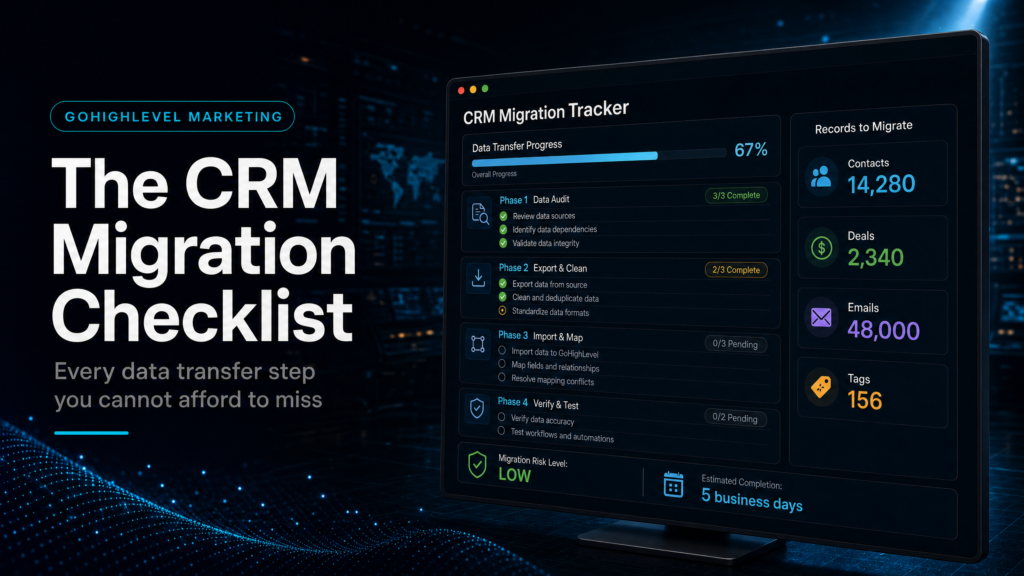
A practical checklist for moving into GoHighLevel without losing contact history, pipeline meaning, lead source data or follow-up accountability.
If the migration is more than a contact import, use the GoHighLevel implementation pre-migration checklist to map lifecycle stages, owners, routing, automations and reporting before any records move.
“A CRM migration is only successful if the new system preserves how revenue decisions are made.”
Quick Answer
A GoHighLevel CRM migration should move more than names, emails and phone numbers. The checklist needs to preserve lifecycle stages, pipeline meaning, source attribution, owner assignment, tags, notes, open opportunities and follow-up rules so the sales team can keep working without losing revenue visibility.
TL;DR
- Do not migrate contacts until the field map is finished.
- Move lifecycle context, source data and opportunity status, not just contact details.
- Import in layers so errors are easier to isolate.
- Validate counts, duplicates, stages and source values before launch.
- Run old and new systems in parallel long enough to catch missed handoffs.
- Use the migration to clean the revenue process, not just copy the old mess.
CRM Migration Decision Table
| Migration Path | Best Fit | Main Risk | When To Choose It |
|---|---|---|---|
| DIY export/import | Small list, simple fields and no active sales pipeline | Lost source data, duplicate records and weak QA | You can pause follow-up and manually check every key field |
| Template migration | Basic CRM move with low revenue risk | Old process problems get copied into the new system | You need speed more than reporting depth |
| Specialist GoHighLevel migration | Active pipeline, paid traffic, multiple reps or high-ticket follow-up | Requires deeper planning before import | You need contact data, stages, source attribution and automation to survive together |
Start With The Field Map
The field map is the migration plan. It should show every source field, the matching GoHighLevel field, the data type, the allowed values and whether the field affects routing, reporting or automation. Without this map, the import may look successful while the revenue process quietly breaks.
Prioritise the fields that affect sales decisions: lead source, lifecycle stage, deal value, owner, appointment status, last contact date, opt-in status, tags and close outcome. Cosmetic fields can wait. Revenue fields cannot.
Clean Before You Import
Bad CRM data does not become useful because it moves into a better platform. Duplicates, stale tags, inconsistent source values and vague pipeline stages should be cleaned before import. This is also the right time to decide which contacts should not move at all.
For larger lists, split the import into layers. Start with a small test batch, validate it, then move the core contact records, then opportunities, then tags and automation triggers. Smaller batches make it easier to find the exact point where something went wrong.
Protect Pipeline And Source Visibility
Pipeline stages should reflect real buyer progress, not whatever labels existed in the old tool. Map old stages into a simpler GoHighLevel pipeline before import, then test whether every migrated opportunity lands in the correct stage with the right owner.
Source visibility is just as important. If every imported contact becomes “unknown” or “manual import,” future reporting will not show which campaigns created revenue. Preserve original source, campaign, medium and referral data wherever possible.
Run A Parallel QA Window
Do not switch the whole business on the first import day without checking live workflows. Keep the old system available for a short parallel window, then test new lead capture, owner assignment, booking reminders, reply handling and reporting. The goal is to catch handoff issues before customers feel them.
Once the new system is trusted, document the launch state. Record the final field map, import counts, skipped fields, known issues and reporting assumptions. That documentation makes the next automation or sales change much safer.
Conclusion
A GoHighLevel CRM migration is a revenue systems project, not a file transfer. Contacts matter, but the real value is in the context attached to them: source, stage, owner, history and outcome. Preserve those controls and the migration becomes a cleaner operating system, not just a new login.
- Map revenue fields before importing records.
- Validate in batches before switching live operations.
- Link the migration to source tracking, follow-up and reporting decisions.
FAQs
What should I migrate into GoHighLevel first?
Start with clean contact records, then add source fields, tags, opportunities, pipeline stages and follow-up rules after the first import has been validated.
How do I avoid duplicate contacts during migration?
Clean emails and phone numbers before import, test a small batch and use matching rules consistently so the same person does not become multiple records.
Should I rebuild automation during CRM migration?
Yes, if the old automation depended on broken stages or inconsistent fields. Rebuilding around the new pipeline usually creates a cleaner system.
